Market Replay settings
The Market Replay settings window is where you pick the session Market Replay plays. It also holds recording, your saved recordings and file import.
Open it
- Click the signal icon in the top bar to open Connections.
- In the Market Replay row, click the gear icon. Its tooltip reads Market Replay settings.
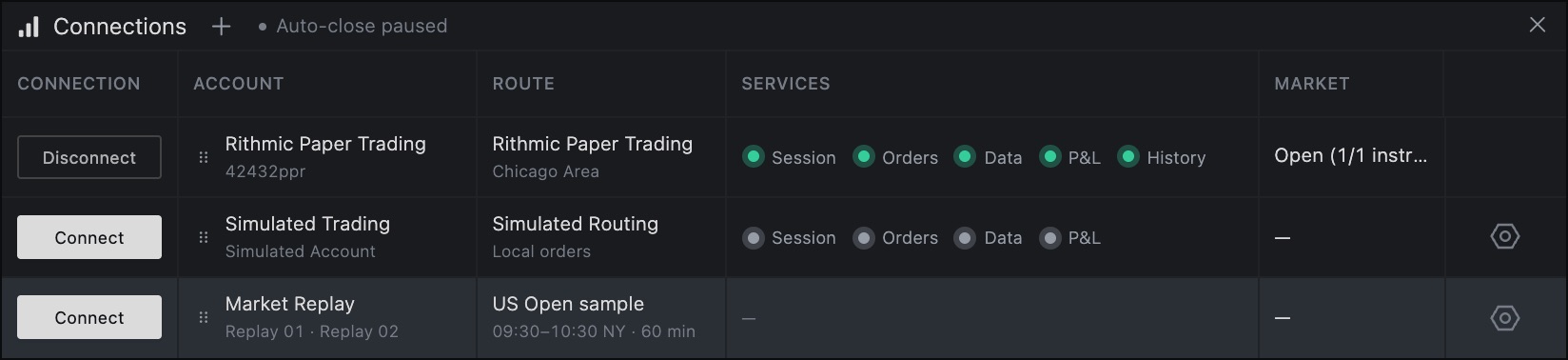
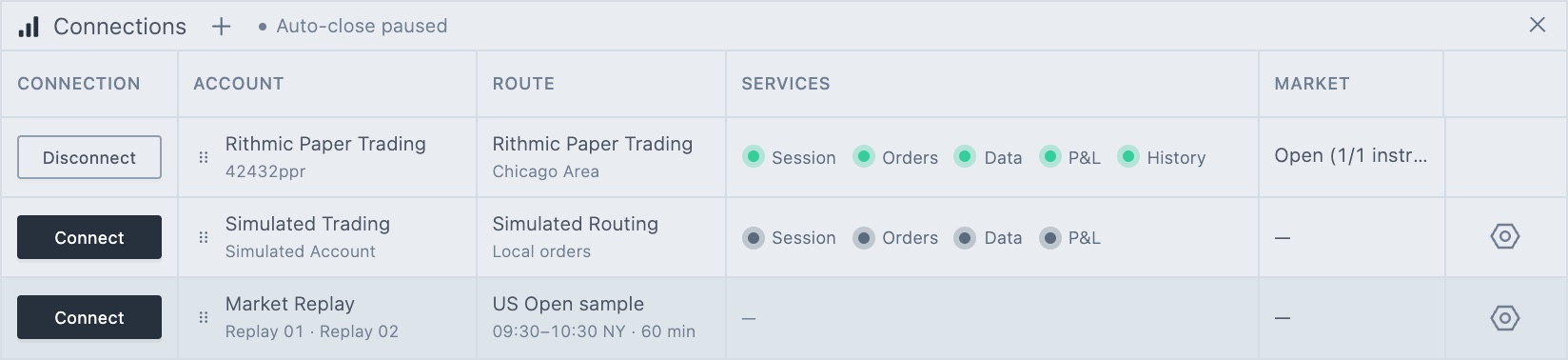
The gear is off while a session is loading. If you try to change the session while Market Replay is connected, the dialog tells you to disconnect first.
The Market Replay row
| Column | What it shows |
|---|---|
| Account | Market Replay and Replay 01 · Replay 02. |
| Route | US Open sample or Recorded session, with the session's time window in NY time and its length in minutes. |
| Services | Once connected: Pause, Resume or Finished, and Restart. While recording: a recording indicator and progress. |
| Market | The markets in the session, for example ES Replay · NQ Replay · FESX Replay. |
Connect is off while a session is loading, a recording is running or saving, or a recording is waiting for you to retry or discard it.
In the settings window
| Item | What it does |
|---|---|
| Selected session | The session Market Replay will play: US Open sample or Recorded session, with its markets, window and length. |
| Status and Playback time | The current playback status and the replay clock in New York time. |
| US Open sample | ES, NQ and FESX from 09:30 to 10:30 NY. Includes three days of synthetic tick and chart history. No file is required. Click Use sample to select it. It reads Selected when it's active. |
| Record live market | Records a live session from your Rithmic data. Click Record…. See Record the live market. |
| My recordings | Your saved sessions, with Use, Download and delete. See My recordings. |
| Advanced import… | Opens Import replay files. See Import replay files. |
| Close | Closes the window. |
The window also has a short reminder on how replay trading works. Connect Market Replay to start the selected session at normal speed. Select Replay 01 or Replay 02 in your chart or DOM to trade it. Restart clears both Replay accounts' orders, positions, fills and P&L. Server SIM and Firm SIM accounts are separate.
Change the session
- Disconnect Market Replay.
- Open Market Replay settings.
- Click Use sample or Use on a recording, or import files.
- Close the window and click Connect.
Switch data source
Market Replay and live data can't be mixed. If you connect Market Replay while a Rithmic connection is connected, or the other way around, Tradrr shows Switch data source. It lists the Current source and what you're Trying to connect. Disconnect the current source, then try again. Click Got it to close the message.
Related articles
Was this article helpful?