Chart types
The chart type sets how each bar is drawn. The price data is the same in every type, so pick the one you read best.
Change the chart type
- Click the Bar Style button in the chart header. It shows the icon of the current type.
- Choose a type from the list.
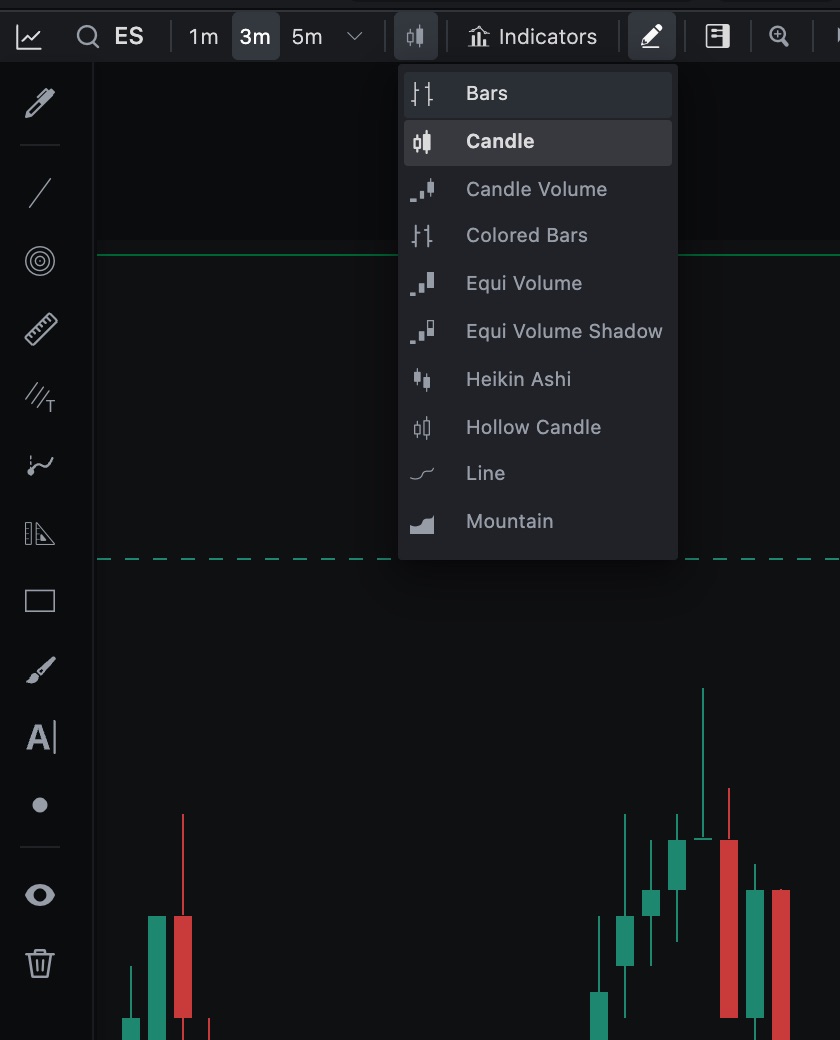
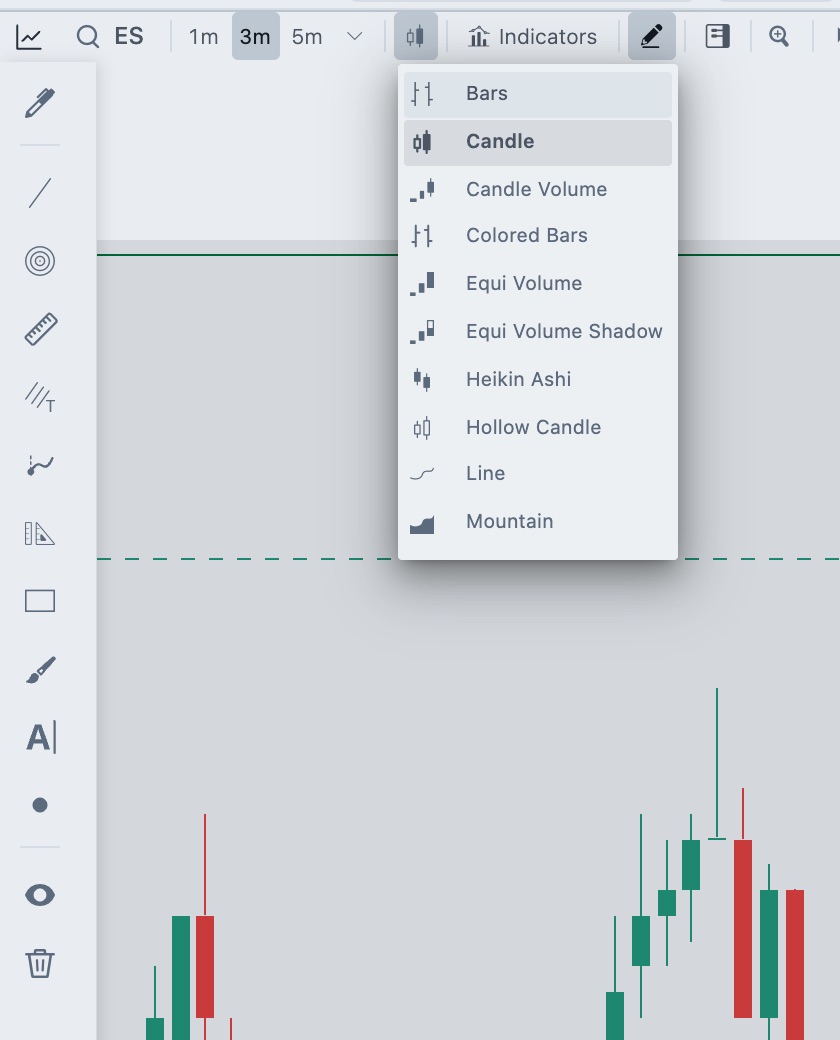
If the chart window is narrow, open More chart tools and choose Bar style. New charts start with Candle. The type is saved with the chart in your workspace.
Available types
They are in the same order as the menu.
| Type | How it draws a bar |
|---|---|
| Bars | An OHLC bar: a vertical line from low to high, a tick to the left for the open and a tick to the right for the close. |
| Candle | A body between open and close with wicks to the high and low. The up and down candle colors come from Chart settings. |
| Candle Volume | A candle whose width follows the bar's volume. Busier bars are wider. |
| Colored Bars | The same OHLC bars, drawn in the up and down colors. |
| Equi Volume | A box from the low to the high of each bar. The width follows the bar's volume. |
| Equi Volume Shadow | Like Equi Volume, with the open to close body drawn inside the high to low range. |
| Heikin Ashi | A smoothed candle. Its open is the average of the previous bar's open and close. Its close is the average of the bar's open, high, low and close. |
| Hollow Candle | Like a candle, with two signals. The color shows whether the bar closed above or below the previous close. The candle is hollow when it closed above its open and filled when it closed at or below its open. |
| Line | A single line through the bars. |
| Mountain | A line with the area below it filled. |
Width follows volume
In Candle Volume, Equi Volume and Equi Volume Shadow, the width of each bar is its share of the volume of the bars on screen. When you scroll or zoom, the widths change with the bars you see.
Colors
Set the colors in Chart settings → General:
- Up Candle Color and Down Candle Color color candles and the volume-width types.
- Line / Bar Color sets the line of Line and Mountain, and the stroke of Bars.
- Show Wicks, Wick Thickness and the wick colors change candle wicks.
Related articles
Was this article helpful?