General settings
The General tab has the settings for the whole app. That's how often Tradrr saves, how account names show, the clock and the time zone your windows use.
Open Settings
- In the top bar, click the gear icon (Settings).
- Click a tab on the left: General, Trading, Hotkeys or Sounds. The desktop app adds a Desktop tab.
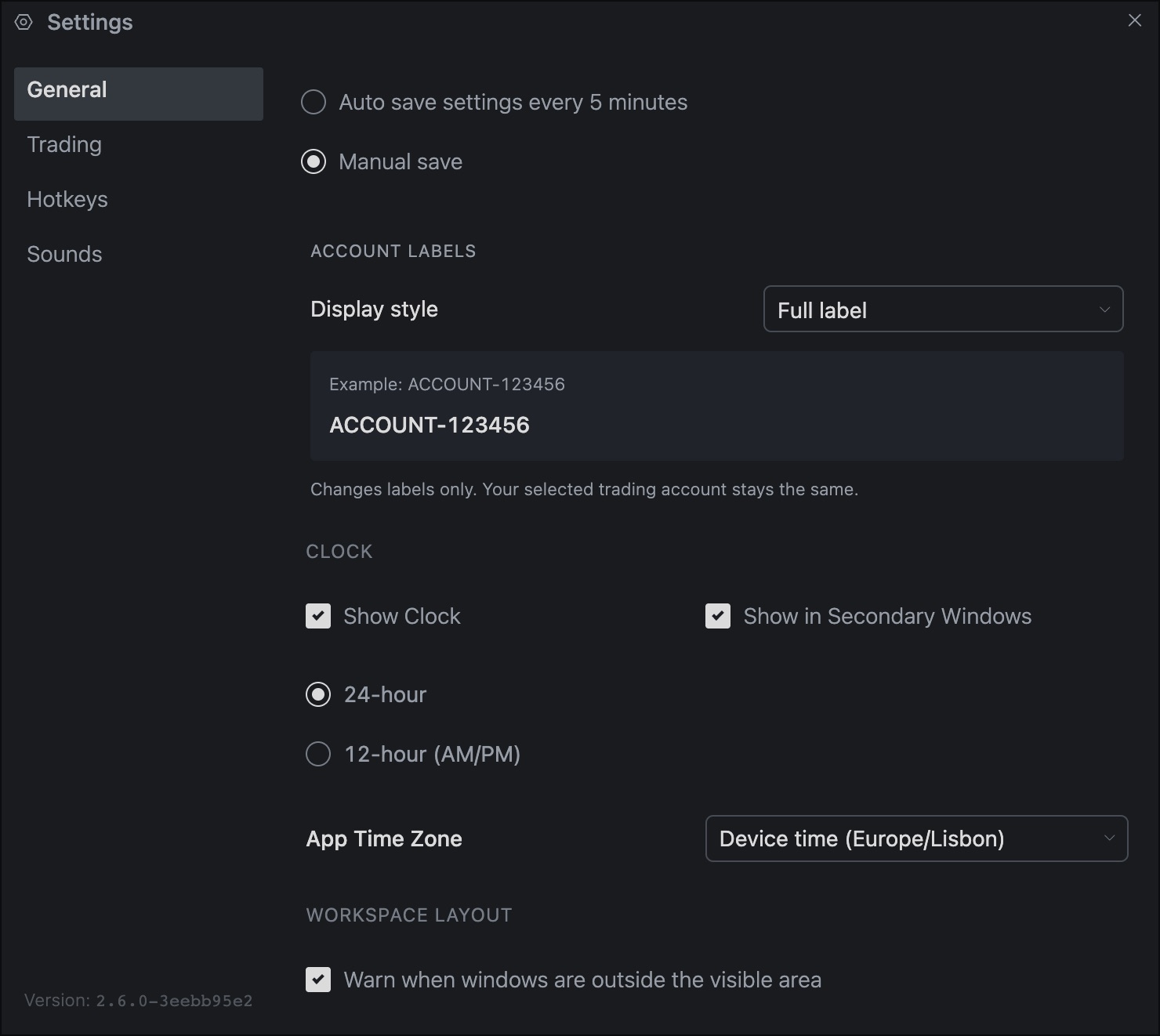
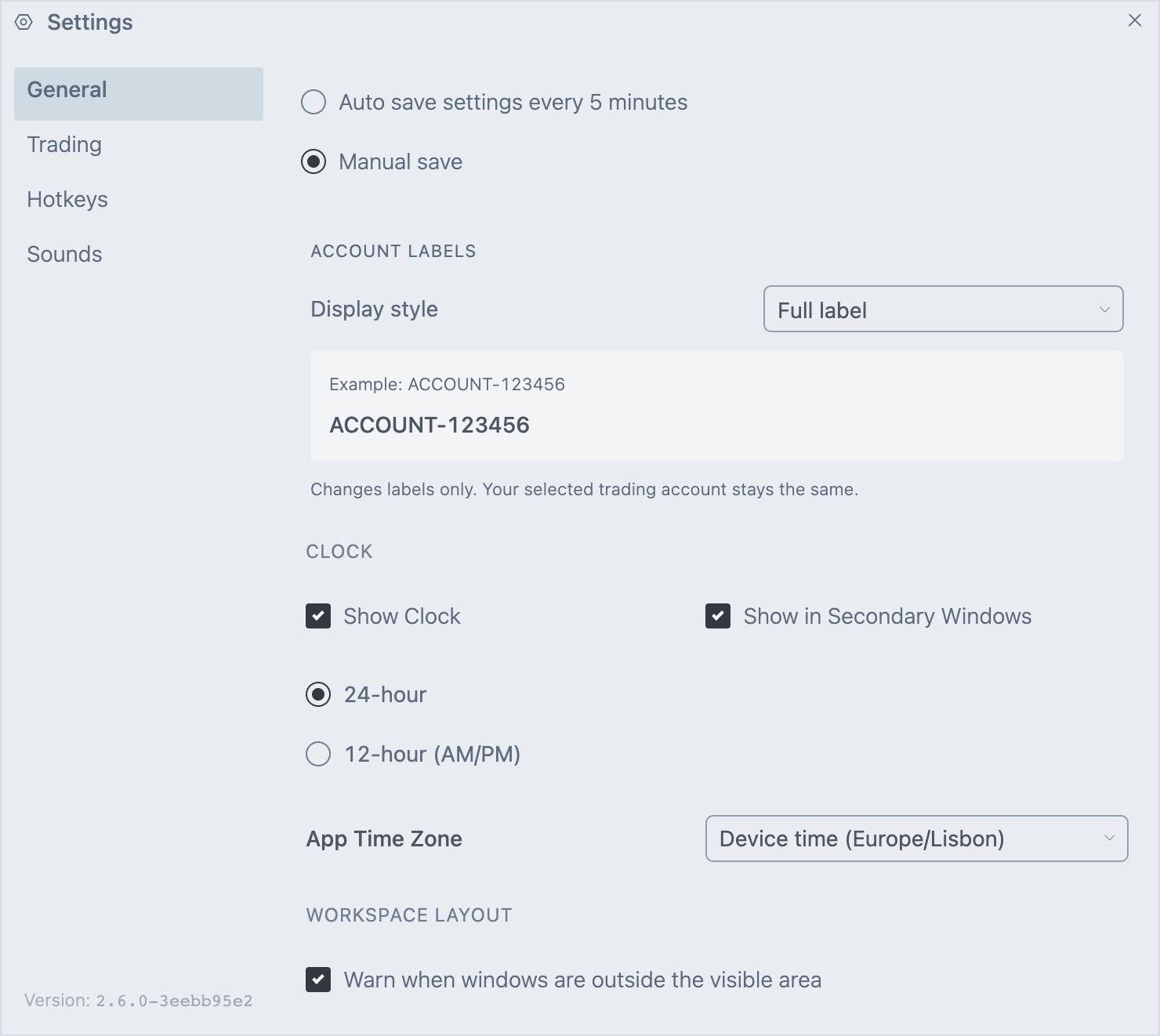
Changes stay in the window until you confirm them. Press Enter or close the window with the X to keep your changes. Press Esc to discard them. Account labels are the exception. Those apply at once.
Saving
This controls how often Tradrr saves your open windows and layout.
| Option | What it does |
|---|---|
| Auto save settings every 5 minutes | Saves your layout every five minutes. This is the default. |
| Manual save | Saves only when you ask. Use the Save icon in the top bar, Save Active Workspace in the Workspaces menu, or the Save All Settings hotkey. |
With manual save, Tradrr asks whether to save before it switches workspace. See Workspaces overview.
Account labels
Account labels control how account names and numbers show in Tradrr. Use them to hide part of an account number when you share your screen. It only changes the label. The account you trade stays the same.
| Display style | Result for ACCOUNT-123456 |
|---|---|
| Full label | ACCOUNT-123456 |
| Compact (last 4 digits) | ACCOUNT · 3456. The name and the last 4 digits. |
| Hidden | ***** |
| Custom masking | Replaces characters with *. See below. |
With Custom masking you get two more fields.
- Characters to mask is how many characters to hide, from 1 up. Ask for as many as the label has and it hides all of it.
- Mask from is Start, End or Both ends.
A preview line under the fields shows an example label and the result as you change the options. Masking 4 characters from the end turns ACCOUNT-123456 into ACCOUNT-12****.
Clock
| Setting | What it does |
|---|---|
| Show Clock | Shows or hides the clock in the top bar. On by default. |
| Show in Secondary Windows | Shows the clock in the top bar of windows you opened with Open in new window. On by default. |
| 24-hour / 12-hour (AM/PM) | Sets the clock format. 24-hour is the default. |
App Time Zone
This is the time zone Tradrr uses to show times. The list is searchable and shows the current time in each zone. The default is your device's time zone, listed as Device time with the zone name. The clock, Time and Sales, Orders, Watchlist, Accounts, Trade Overview and Economic Calendar all follow this setting.
Workspace Layout
Warn when windows are outside the visible area is on by default. When a window is off screen, Tradrr offers to move it back into view. See Workspaces overview.
Desktop tab
This tab is only in the desktop app. In a browser, the page says these settings are only available in the desktop application.
| Setting | What it does |
|---|---|
| Disable Hardware Acceleration (Restart Required) | Stops the app from using your graphics card to draw. It may help with graphical glitches on some systems, but it can slow things down. |
| Disable MPO (Multiplane Overlays) (Restart Required) | May fix flickering or black screens with some hardware or drivers, especially NVIDIA. |
| Enable Logging (Restart Required) | Writes detailed logs to a file to help diagnose problems. When it's on, the tab shows where the log files are. |
| Reset to Factory Defaults | Resets all desktop settings to their defaults. The app needs a restart afterwards. |
Careful. Reset to Factory Defaults only changes desktop settings. If the problem is still there after a reset, contact support from the Help & Support menu.
Related articles
Was this article helpful?