Fast Market Mode
In a very fast market, like a news release, the order book changes many times a second. Fast Market Mode makes every DOM skip the order book depth updates, so the ladder keeps up with the trades.
Turn it on or off
- In the top bar, click +.
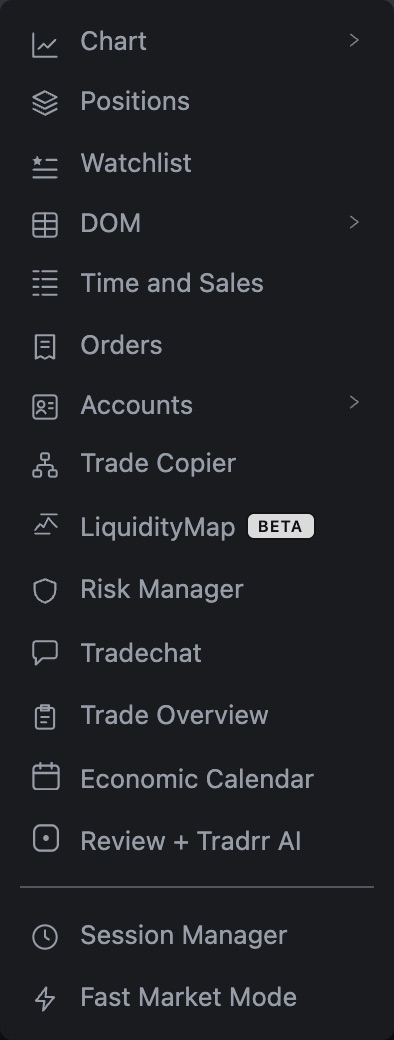
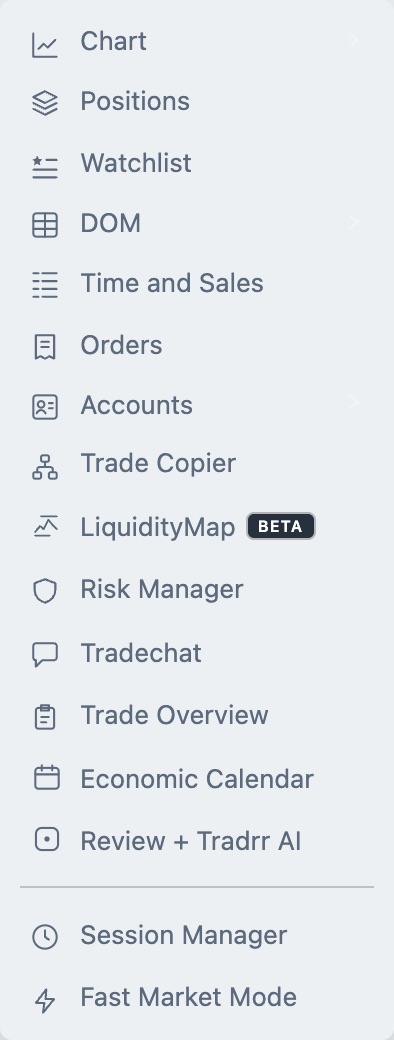
- At the bottom of the menu, click Fast Market Mode. The tooltip says Toggle Fast Market Mode.
- Open the menu and click it again to turn it off.
The lightning icon beside Fast Market Mode is highlighted while the mode is on. It's a switch, so it doesn't open a window, and it applies to every DOM in the app.
What changes while it's on
| Part of the DOM | In Fast Market Mode |
|---|---|
| Order book depth (Level 2 updates) | Skipped. The bid and ask sizes away from the best prices stop updating, and so does anything that depends on them. |
| Trades and the best bid and ask (Level 1) | Keep updating. |
| Redraw pace | The DOM redraws at most every 120 ms. This replaces the Depth Update Interval (ms) value from DOM settings until you turn the mode off. |
When you turn the mode off, each DOM goes back to receiving depth updates and to its own Depth Update Interval.
When to use it
- Your DOM lags or freezes during a news release or an opening burst.
- You trade off price and the trades, and you don't need to see every change in resting size.
Careful. While the mode is on, depth on the ladder isn't current. Don't size or time an entry from resting orders you see on the DOM. Turn the mode off when the market calms down.
Tip. If the DOM is slow all the time, not only in fast markets, check your connection first. See Fix connection problems.
Related articles
Was this article helpful?