Economic Calendar
The Economic Calendar lists scheduled data releases and events, like CPI or a Fed decision. Each row has the time, country, impact, and the actual, forecast and previous numbers. Check it before you trade so a release doesn't catch you with a position on. You can set a reminder too.
Open the Economic Calendar
- In the top bar, click + and choose Economic Calendar.
It opens on today plus the next six days. You can only have one Economic Calendar window open.
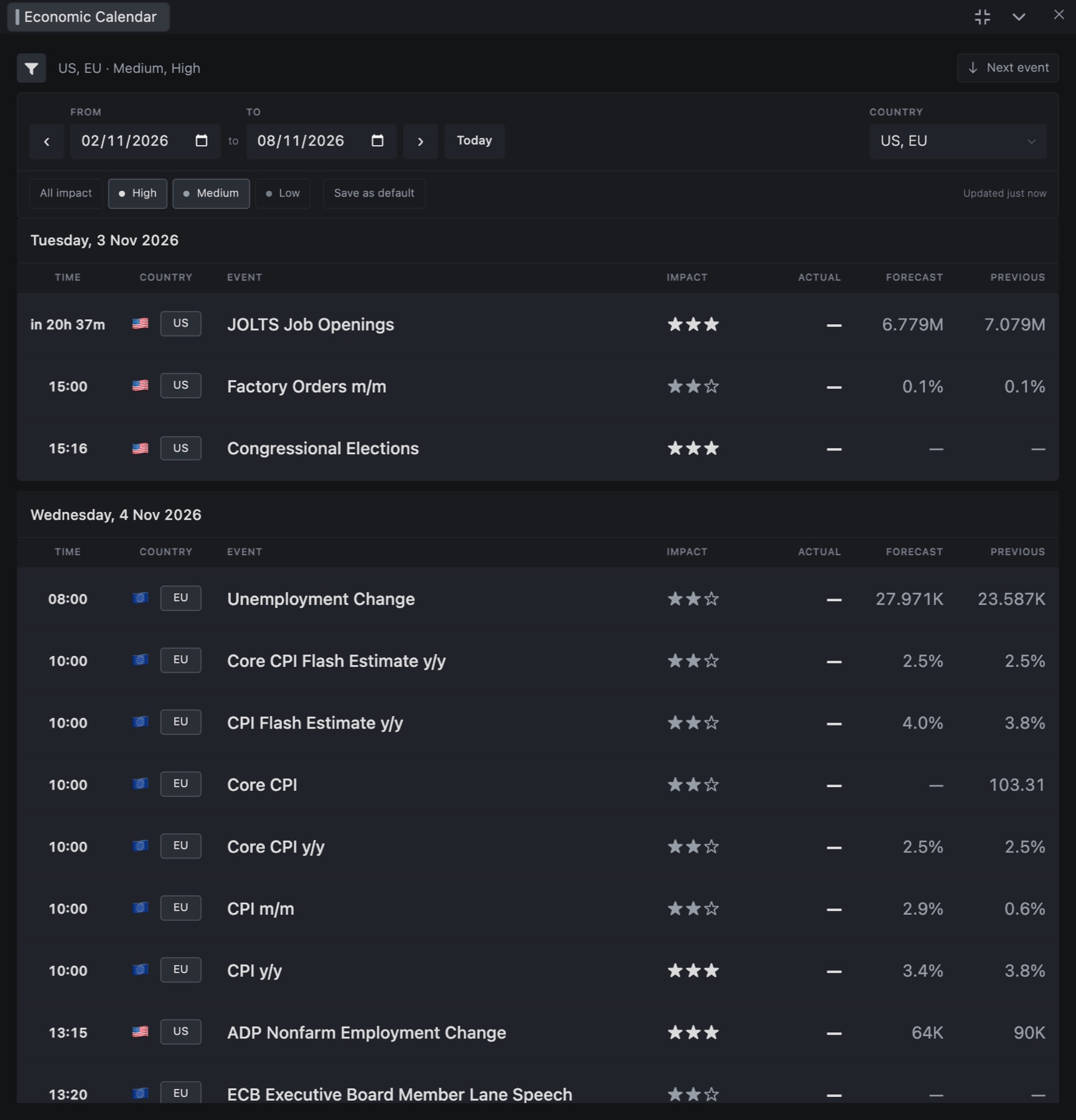
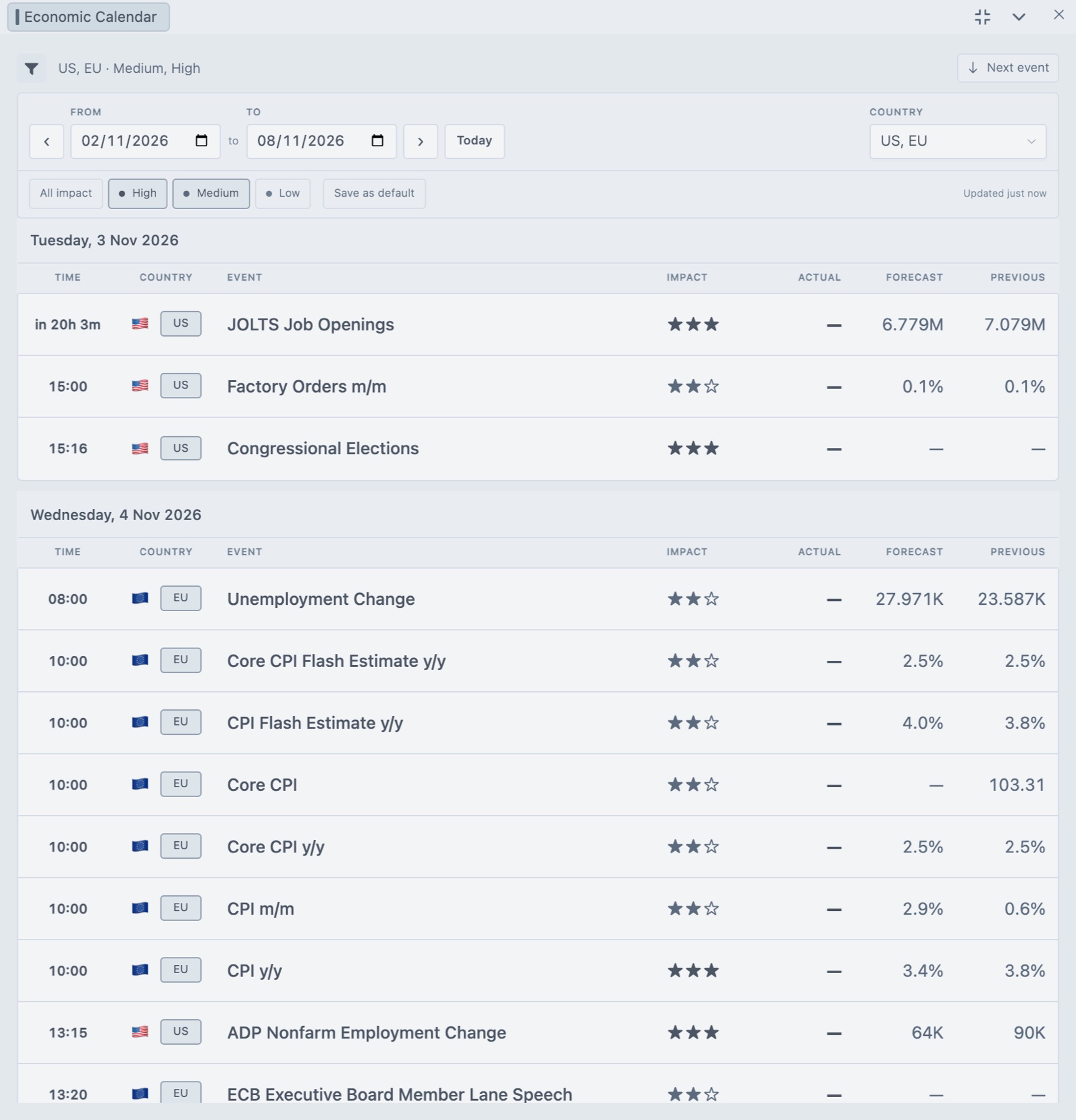
Read a row
| Column | What it shows |
|---|---|
| Time | When the release is scheduled, in your app timezone and clock format. The next release shows a countdown. Some events say All day or Tentative. |
| Country | The country or region. Global means the event isn't tied to one country. |
| Event | The name of the release. Hover it for a description when there is one. |
| Impact | Expected market impact, in stars. Three is High, two is Medium, one is Low. |
| Actual | The published number. Prelim means preliminary. A dash means it isn't out yet. |
| Forecast, Previous | What the market expects, and the last release. |
Events are grouped by day. A bell on an event means you set a reminder for it.
Filter the list
The line under the header shows your current filter, like US, EU · Medium, High. Click the filter button (Filters) to open the controls.
| Control | What it does | Default |
|---|---|---|
| From, To, arrows, Today | Sets the date range. The arrows move the range forward or back by its own length. Today jumps back to the current date. The range is 93 days at most. | Today plus six days |
| Country | Opens a list with a checkbox per country. All countries clears the filter. | US and EU |
| All impact, High, Medium, Low | Picks which impact levels to list. | High and Medium |
| Save as default | Saves your countries, impact levels and the floating window size. New calendars open with these. |
Next event scrolls to the next upcoming release. If a data source is down, the window tells you how many are missing. After an error, Retry reloads the list.
Set a reminder
- Right-click an event that hasn't happened yet.
- Choose Remind me 5 minutes before.
Five minutes before the release you get an EVENT REMINDER popup, and it also goes in the bell. To remove it, right-click the event and choose Remove reminder, or delete it in the bell under Alerts.
Reminders are saved on this device and only go off while Tradrr is open. Events that already have an actual number, or have no set time, say Reminder unavailable for this event. More in Notifications.
Show events on the chart
Turn on Show Economic Events in the chart settings and the chart marks medium and high impact events. It's off by default. See Chart settings.
Tip. Times follow your app timezone. If a release time looks wrong, check that setting first.
Related articles
Was this article helpful?