Global Flatten
Global Flatten is the panic button in Trade Copier. One click stops copying, cancels every working order and closes every open position on the accounts in your running copier groups. Use it when things go wrong on more than one account and you need to be flat now.
Beta. Global Flatten is part of Trade Copier, which is in beta.
Where it is
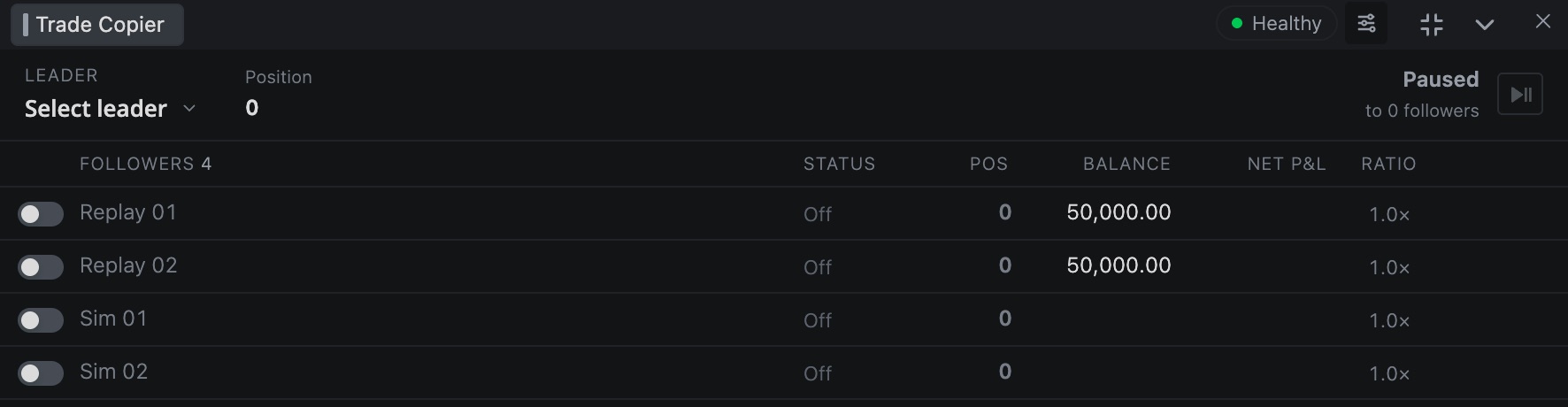
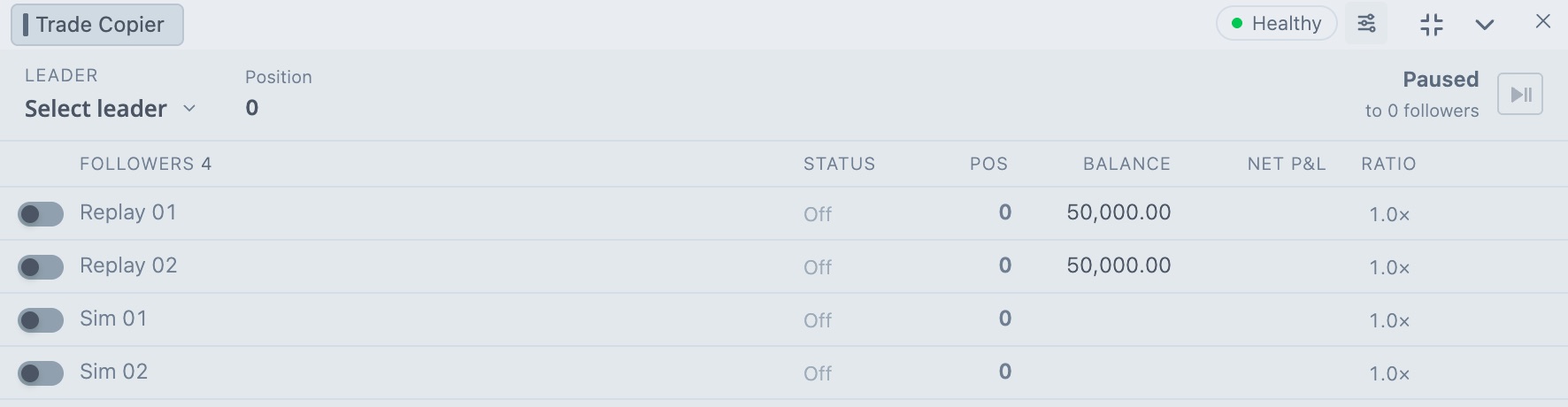
The Global Flatten button sits in the bottom bar of the Trade Copier window, on the right. It's greyed out until at least one group is turned on. While it runs, the button reads Flattening....
What it does
It works on every group that's turned on. In each group it takes the leader and the followers that are switched on.
- It turns the groups off, so nothing gets copied while it works.
- On each account it cancels all working orders and checks that none are left.
- Then it closes every open position on the account.
That includes trades you opened by hand on those accounts. Accounts that aren't part of a running group are left alone.
Run it
- Click Global Flatten.
- Read the box. It lists what's about to happen and warns: This action cannot be undone.
- Click Confirm Global Flatten. Cancel backs out.
The result
When it finishes, a Global Flatten - Result box tells you how it went.
| Message | Meaning |
|---|---|
| Global Flatten verified. | Every account was cancelled and flattened, and the check passed. |
| Global Flatten needs attention. | At least one account didn't finish. The accounts and the reason are listed. |
| N accounts flattened, N orders cancelled | The counts for this run. |
| N accounts could not be flattened | Look at the account status and the messages under it. |
If some accounts failed because of a connection or timing problem, click Retry unresolved. It only tries the accounts that failed.
A green result isn't the last word. Open Positions and Orders and check for yourself.
Turn off the confirmation box
To run it on the first click, open the Trade Copier settings, go to General and switch off Show Confirmation Warning under Global Flatten. Think twice before you do. One misclick then flattens your accounts.
After a Global Flatten
Your groups stay off. Click the play button next to the leader when you want to copy again. To flatten just one follower, use Flatten position in its row menu. See Trade Copier. For one instrument on one account, use Liquidate.
Careful. In a fast market, closing at market can fill well away from the last price. Global Flatten doesn't ask what price you want.
Related articles
Was this article helpful?